Writing Tasks with mise
◢ This post is also available in: 日本語
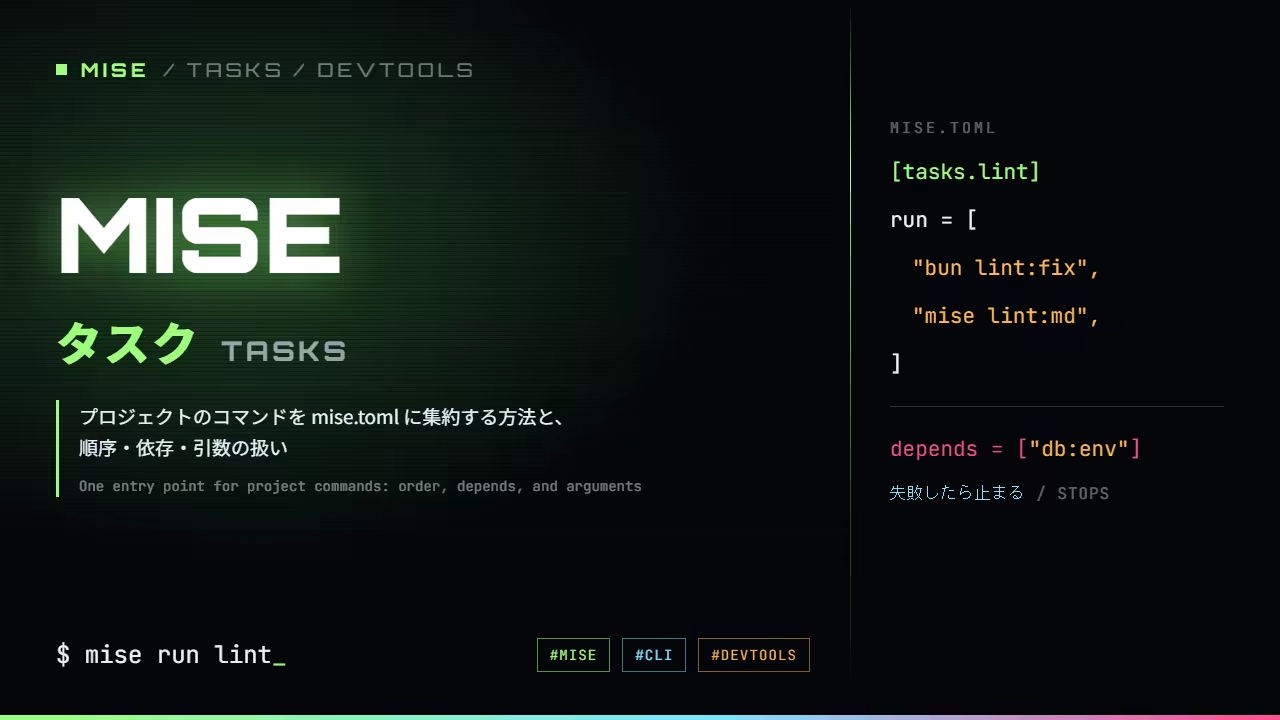
What a task is
[tasks] in mise is a place to give the commands you type often a name and keep them in
mise.toml. Think of it as a language-agnostic task runner, the same idea as
just or make. It looks like scripts
in package.json too, but what the two share stops at "give a command a name" — declaring
dependencies and listing what exists are closer to what just does.
Getting started with mise mentioned the problem of commands
having scattered entry points. The dev server is bun dev, migrations are ./scripts/migrate.sh,
releases are make release. None of that is wrong, but knowing what lives where means opening three
files. Tasks collapse that into one entry point.
Writing one
As an example, take a command that formats your code. Biome is a linter and
formatter for JavaScript and TypeScript; biome check --write inspects and applies whatever fixes
it can in one pass.
Rather than typing that string every time, give it a name in mise.toml.
[tasks.lint]
run = "biome check --write"
That makes mise run lint available. With one unformatted file in the directory, it runs like
this.
❯ mise run lint
[lint] $ biome check --write
Checked 1 file in 125ms. Fixed 1 file.The first line is the command the task actually ran; below it is that command's own output.
Here are a few more. description is optional — it changes nothing about how the task runs.
[tasks.dev]
description = "Start the dev server"
run = "bun dev"

[tasks.build]
description = "Build for production"
run = "bun run build"

[tasks.test]
description = "Run the unit tests"
run = "bun test"

[tasks.lint]
run = "biome check --write"

[tasks."db:image"]
description = "Pull the database container image"
run = "docker pull amazon/dynamodb-local"

[tasks."db:start"]
description = "Start the local database"
run = "bash scripts/db-start.sh"
mise tasks lists them.
❯ mise tasks
build     Build for production
db:image  Pull the database container image
db:start  Start the local database
dev       Start the dev server
lint
test Run the unit testsThey come out in alphabetical order by name, not in the order you wrote them. Only the ones
given a description have anything beside them; lint is a bare name. Think of that column as
something you write for yourself in six months rather than for other people.
Separating names with a colon, as in db:, puts related tasks next to each other in the listing.
There is no namespace feature behind it — they are simply sorted by name — but that is enough to be
useful.
Running several commands in order
Give run an array and the entries run from the top.
[tasks.check]
run = [
  "biome check --write",
  "mise run test",
]
A task can call another task, as mise run test does here. That makes it easy to define small
pieces and keep one task that pulls them together.
It stops where it fails
An array is abandoned at the point something fails. Here is that being checked.
[tasks.steps]
run = ["echo step1", "false", "echo step3"]❯ mise run steps
[steps] $ echo step1
step1
[steps] $ false
[steps] ERROR task failedfalse on the second line failed, so the run stopped there. step3 never ran.
Move false all the way down and see what happens to the others.
run = [ ... ]
- echo step1ran
- falsea command that exits 1cut short here
- echo step3never reached
Lines reached
2
Reached line 2 of 3
[tasks.check]
run = [
  "biome check --write",   # rewrites
  "mise run test",         # only reports
]
Reverse them and a failing test cuts the run short, so the formatting never happens. Locally that costs you a "fix it and go again". In CI it is a different matter.
If you use something like autofix.ci, where CI commits the fixes your linter produced, whatever was rewritten before the failure gets committed anyway. Put a report-only task in the middle and the run stops there, the formatting behind it never lands, and what gets committed is a half-finished state.
Deciding the order is easiest if you sort by whether the task rewrites files.
Declaring dependencies
Things that must happen first go in depends.
[tasks."db:setup"]
depends = ["db:image", "db:start"]
run = ["mise run db:health", "mise run db:push"]
mise run db:setup pulls the image and starts the database, and only then moves on to the health
check and creating the tables.
depends and an array in run do different jobs. depends declares "this has to have finished",
while run is what this task itself does. The former is reusable from other tasks.
Passing arguments
Anything after the task name is appended to the end of the command.
[tasks.greet]
run = "echo hello"❯ mise run greet world
[greet] $ echo hello world
hello world[tasks.thumbnail]
description = "Convert a thumbnail to AVIF: mise run thumbnail <png> <slug>"
run = "bash scripts/thumbnail.sh"The order of the arguments is something you will forget if you leave it alone for a while. Putting
it where mise tasks will remind you is the cheapest place to keep it.
On Windows it goes through cmd
If you write tasks on Windows, not knowing this will trip you up. What is in run is handed to
cmd. Here is that being checked.
[tasks.probe]
run = "echo cmd-style=%OS% bash-style=$OSTYPE"❯ mise run probe
cmd-style=Windows_NT bash-style=$OSTYPE%OS% was expanded and $OSTYPE was left as it was. Unix shell notation does not apply. $VAR,
control syntax other than &&, the finer behaviour of pipes and the quoting rules are all
different.
File tasks let a shebang decide
Instead of writing run, you can put a script in mise-tasks/. It is the equivalent of a shebang
recipe in just.
#!/usr/bin/env bash
#MISE description="Check how a file task behaves"
echo "shell=$OSTYPE args=$*"❯ mise run filetask hello
shell=cygwin args=helloIt runs under the interpreter the shebang names rather than under cmd, and the arguments arrive
as they were. Write #MISE description= and it appears in mise tasks with its description
alongside.
filetask Check how a file task behavesWanting to write a second line of shell in a task is a good signal to move it out into a file task. The body is ordinary bash, and the same file runs on macOS, Linux and Windows.
If you already write things like run = "bash scripts/db-start.sh", moving the script into
mise-tasks/ is the whole migration. The directory structure becomes the colon-separated name.
mise-tasks/db/start   →  mise run db:start
mise-tasks/thumbnail  →  mise run thumbnail
The wrapper task definitions disappear from mise.toml, and description moves into the script.
Having the explanation next to the thing it explains is worth something too.
In closing
[tasks]gives commands a single entry point, andmise tasksis the list of it- an array in
runexecutes from the top and stops where it fails; put the tasks that rewrite first and the ones that report last dependsdeclares what has to have finished already. It is not the same job as an array inrun- arguments land at the end of the command. Write the usage into
description - on Windows the string goes to cmd. Once you want a second line, move it into a file task under
mise-tasks/and let a shebang pick the interpreter
Tasks are where the steps that used to sit in the README become code. Write them down and the next
person only has to type mise tasks.